Introduction
An introduction to Figma, UI, UX, and design thinking in modern product design.
Good to Know
Figma is a cloud-based design tool, which means your work is saved online and can be accessed from different devices.
You can start using Figma directly in the browser, collaborate with others in real time, and continue the same work later using the desktop or mobile app without moving files.
What You Learn
This module helps you understand how designers think, how Figma fits into product development, and what skills you will build before touching the canvas.
Setup
How Figma works across browser, desktop, and mobile.
Dashboard
Understanding files, drafts, tools, teams, and community.
Advance
In advance were gonna learn about a couple feature like this
Components
Reusable UI elements and consistency.
Variants
Managing states like hover, active, and disabled.
Design Tokens
Colors, typography, and spacing systems.
Prototype
Connecting screens and simulating interactions.
Goals
After completing this module, learners will be able to:
- Explain what Figma is and why it is widely used
- Understand the difference between UI and UX
- See how design fits into a modern product workflow
- Recognize collaboration as part of the design process
Figma Basics
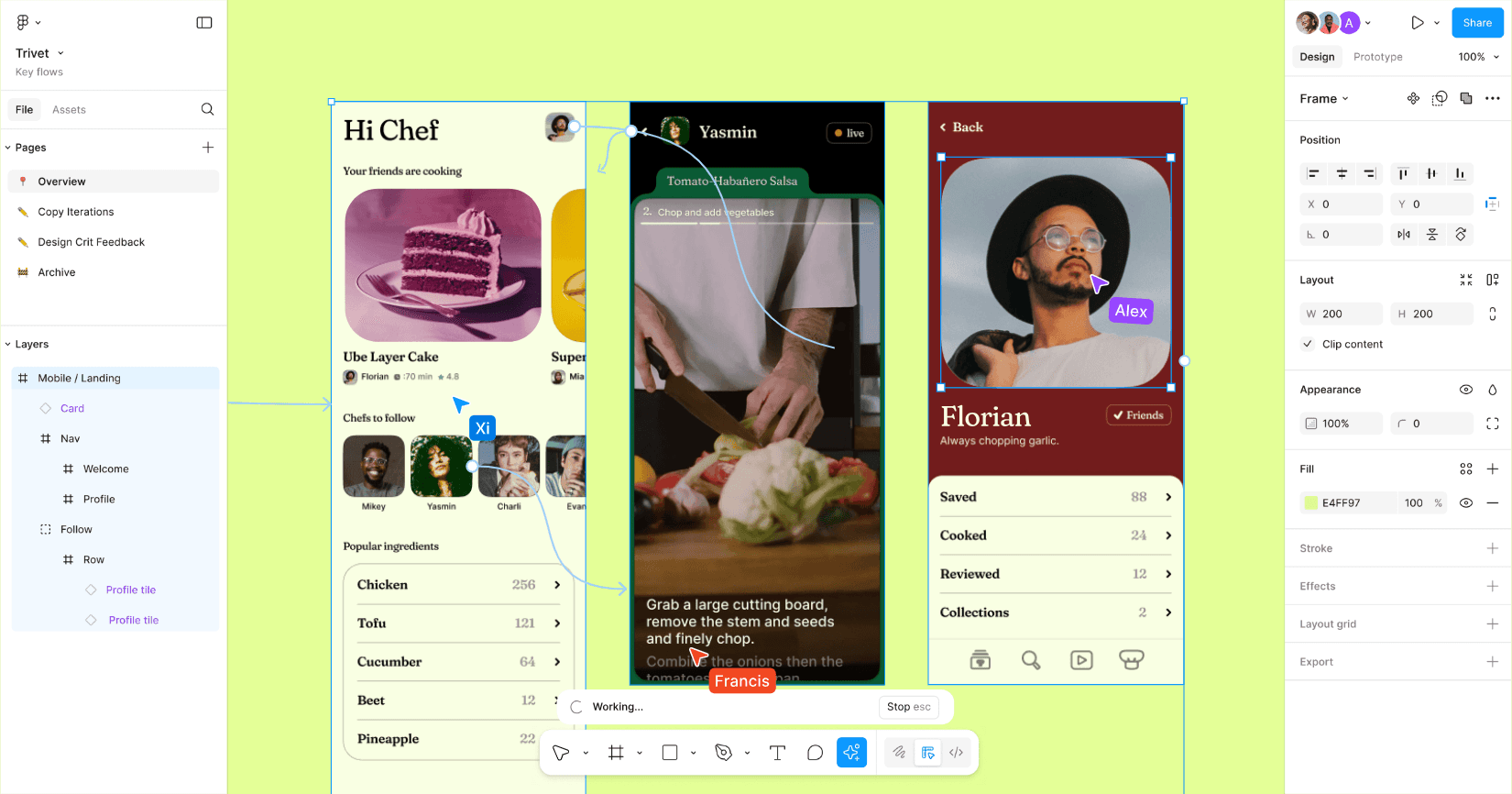
Figma is used to design digital interfaces such as websites and mobile applications. Designers use it to arrange layouts, define visual styles, test interactions, and communicate ideas clearly with teams.
Unlike traditional design tools, Figma works entirely online and supports real-time collaboration.
UI and UX
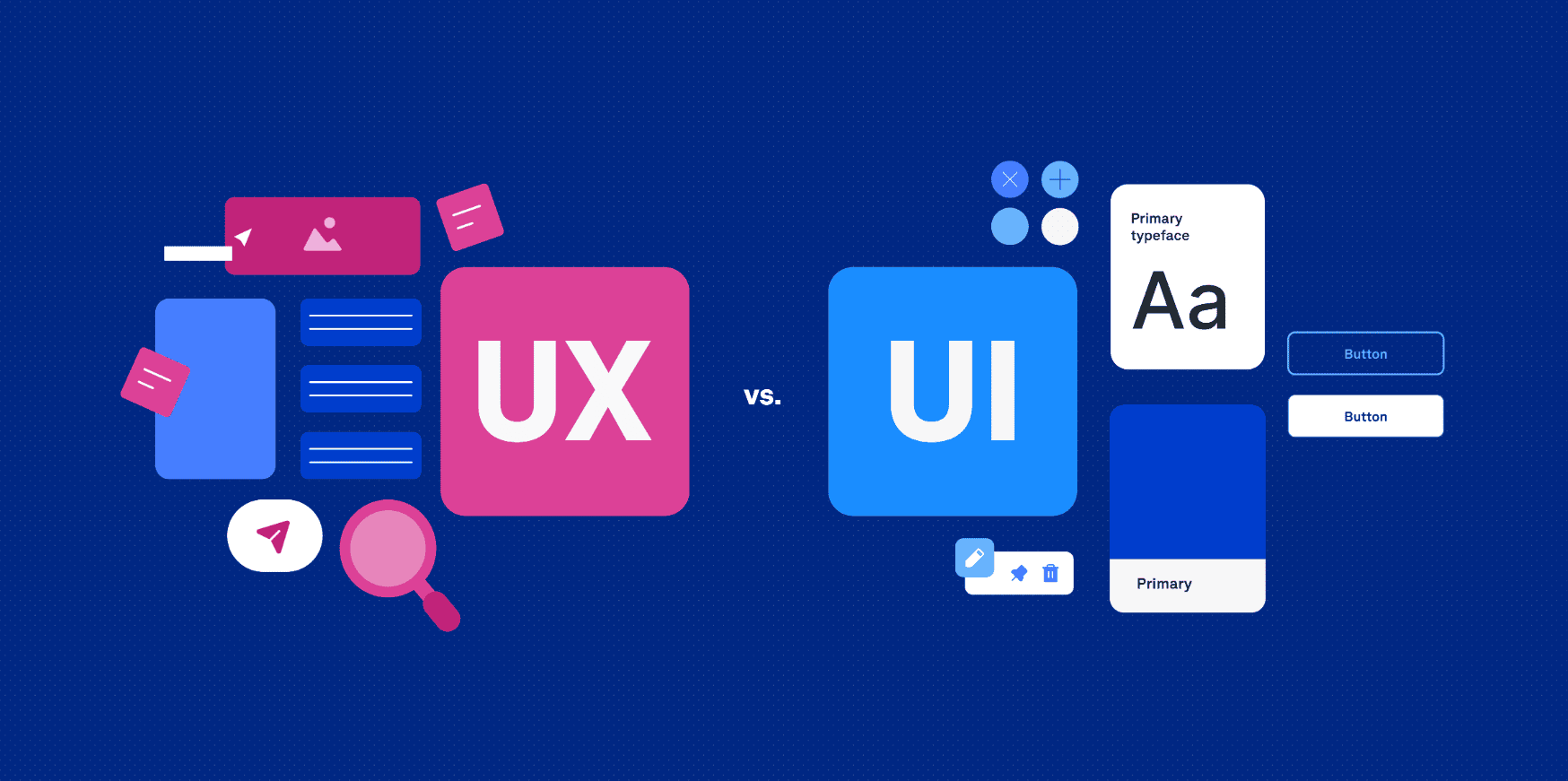
UI (User Interface) focuses on how things look: colors, buttons, text, and layout.
UX (User Experience) focuses on how things work: clarity, flow, and usability.
Good products balance both.
Design Thinking
Design thinking helps designers solve problems by focusing on users first. Instead of starting with visuals, designers start with understanding the problem.
The basic flow includes:
- Understanding users
- Defining the problem
- Exploring ideas
- Prototyping solutions
- Testing and improving
Figma supports this process by making ideas easy to visualize and revise.
Collaboration
Figma allows multiple people to work on the same file at the same time.
Teams can:
- Edit together
- Leave comments
- Track changes
- Share designs instantly
This removes file duplication and speeds up feedback.
Practice
- Create a Figma account
- Open the dashboard
- Explore Drafts and Community
- Duplicate one Community file into your Drafts
Outcome
By the end of this module, learners will have:
- A clear mental model of Figma
- Understanding of UI, UX, and design thinking
- Readiness to move into hands-on design